
 Stemdeck
Documentation
Every screen and feature in Stemdeck, step by step. Start with Getting started, then read about the screen you're using.
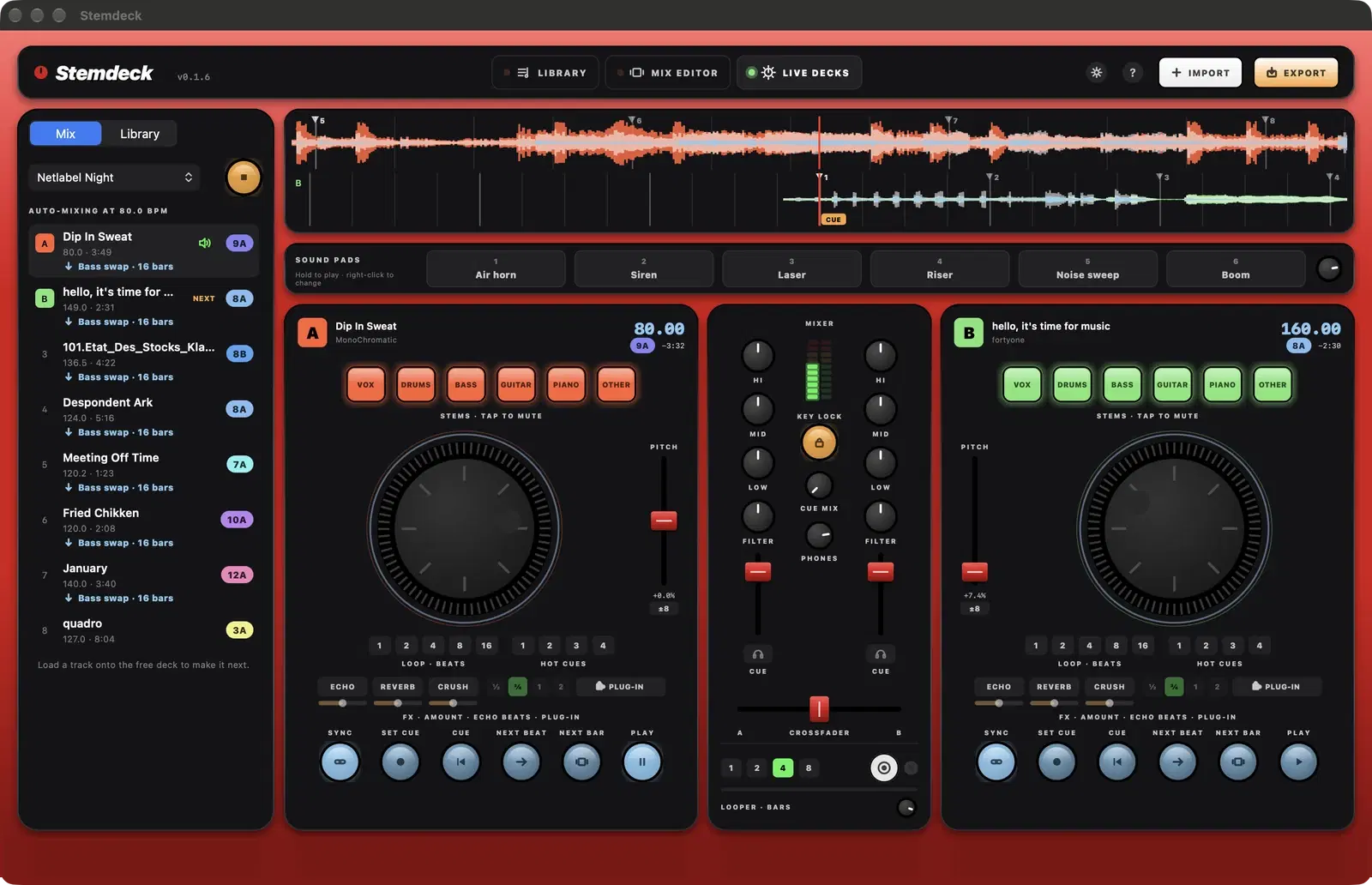
01
Getting started
Import your music, let Stemdeck detect BPM, key and beat grid, split six stems on your computer and find your way around the Library, Mix editor and Live decks.
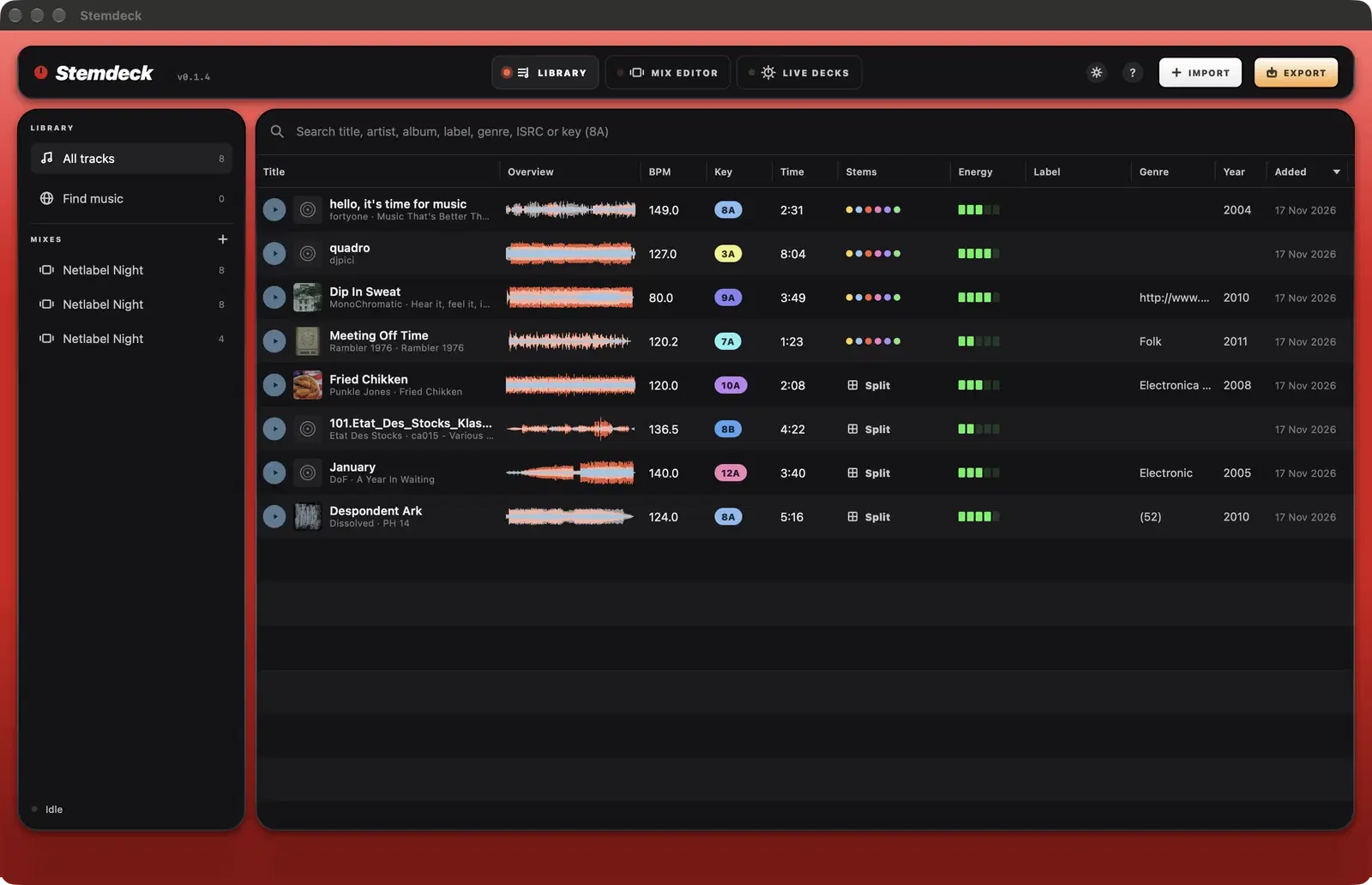
02
Library and track info
Search and preview your music, check BPM, Camelot key, energy and stems at a glance, and fix the beat grid, key and tags in the track info sheet.
03
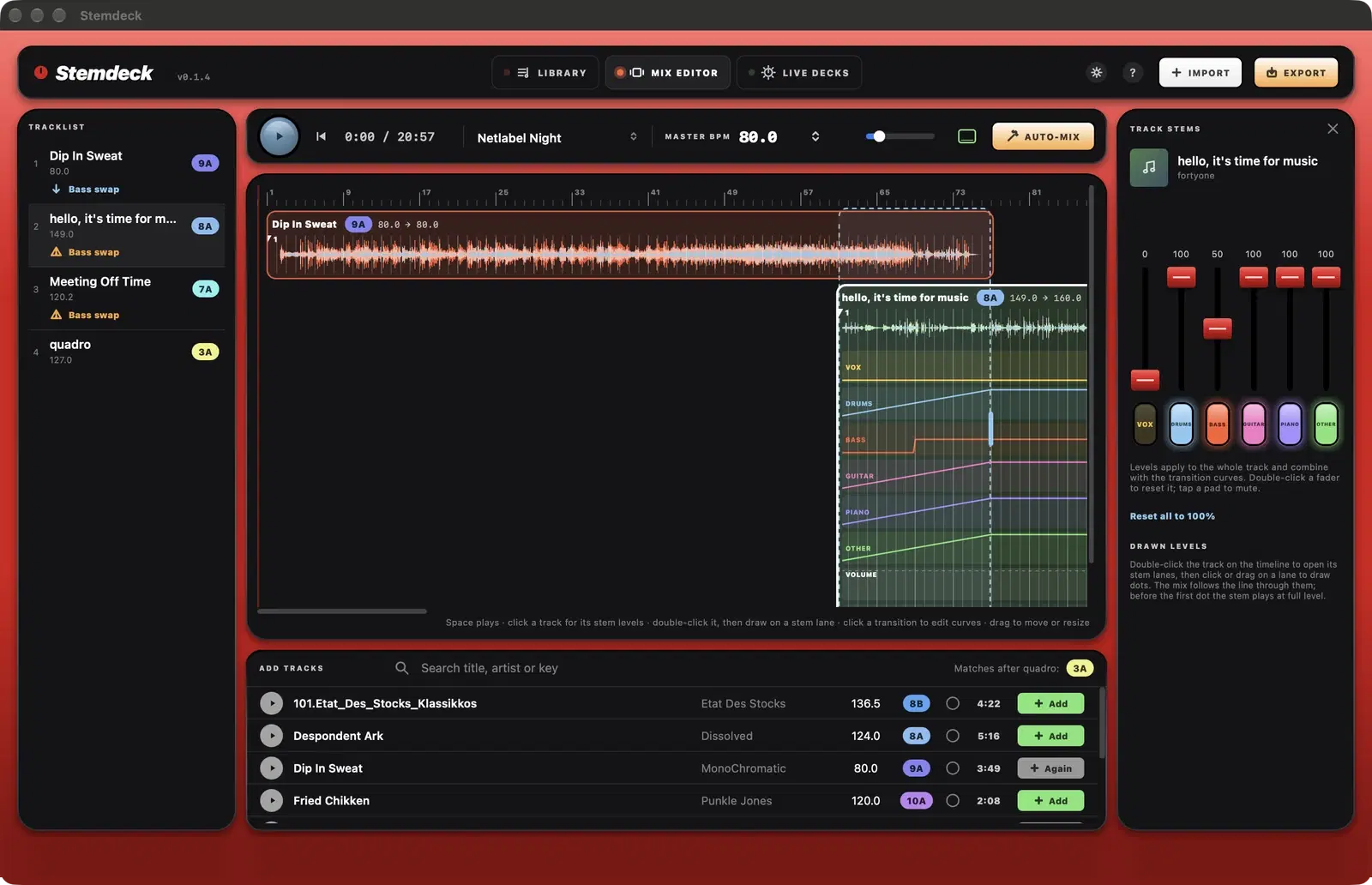
Stem separation
Split any track into six stems (vocals, drums, bass, guitar, piano, other) or four with Demucs v4, offline on Mac, Windows or Linux, then mute and rebalance them in mixes and live.
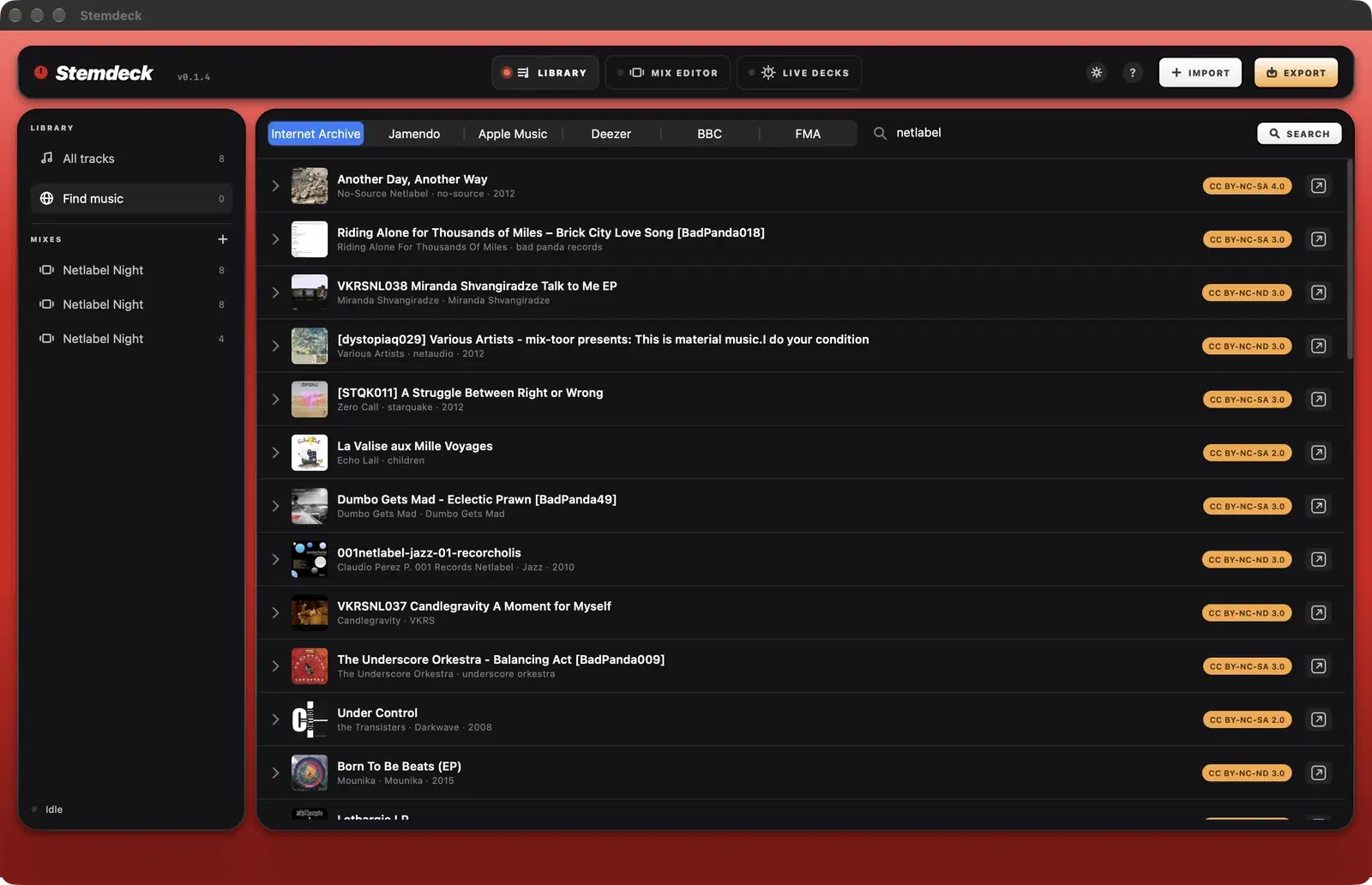
04
Find music
Search the Internet Archive, Jamendo and BBC Sound Effects for music to mix, with Apple Music and Deezer previews, from inside Stemdeck. Import with the licence recorded.
05
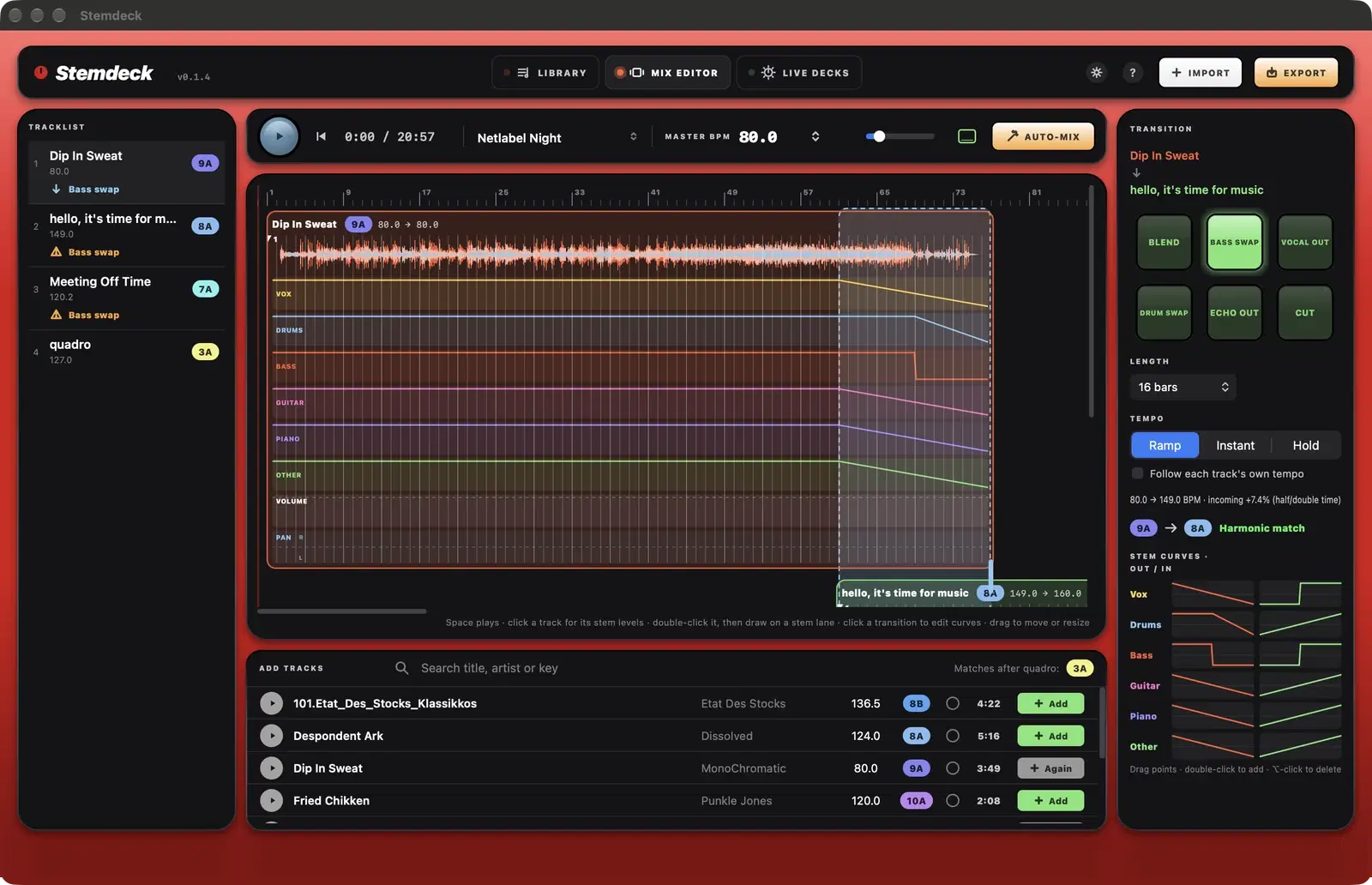
Mix editor
Lay tracks out on a beat-matched timeline, fix beat markers, pick stem transitions, reshape stem curves and draw volume, pan, filter and effect automation.
06
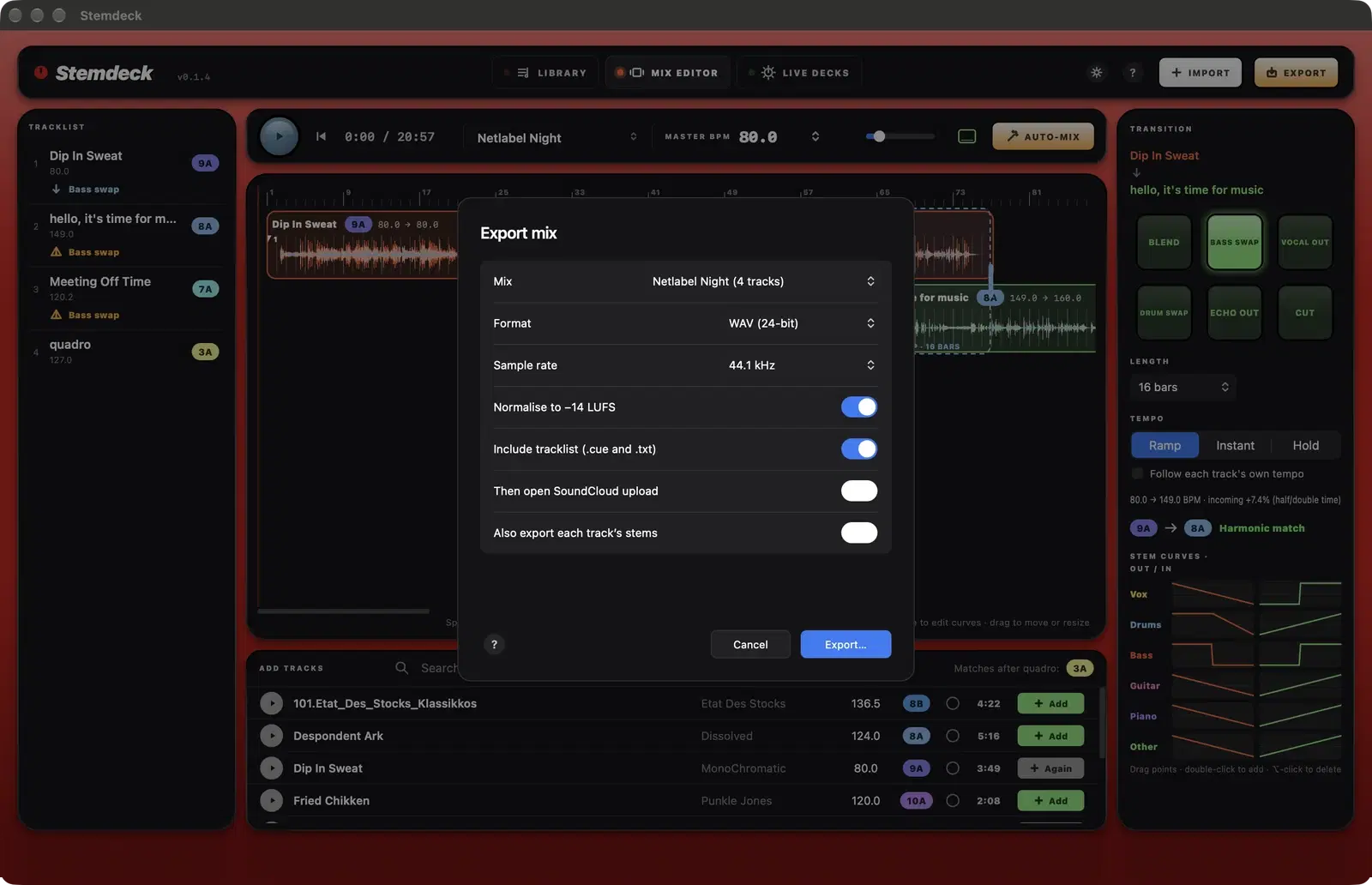
Exporting a mix
Render your mix faster than real time to WAV, AIFF or AAC at -14 LUFS, with CUE and text tracklists and optional stems, then upload it to SoundCloud.
07
Live decks
Two decks with sync, next-beat starts, a saved cue point, key lock, hot cues, loops, EQ, stackable effects, stem pads and keyboard shortcuts, plus an auto-mix across both decks.
08
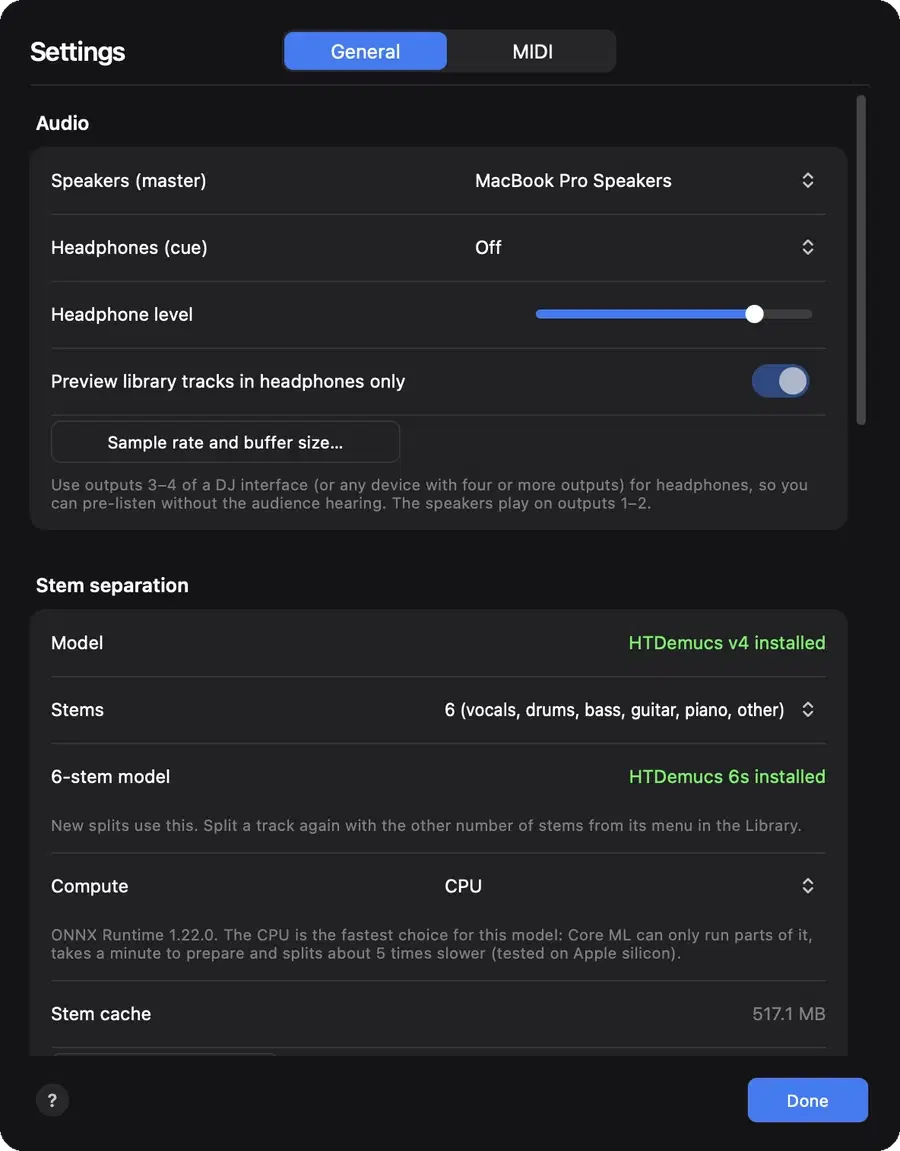
Headphone cueing
Send any deck to your headphones before the room hears it, on a second audio output or outputs 3 and 4 of a DJ interface, with a cue mix control.
09
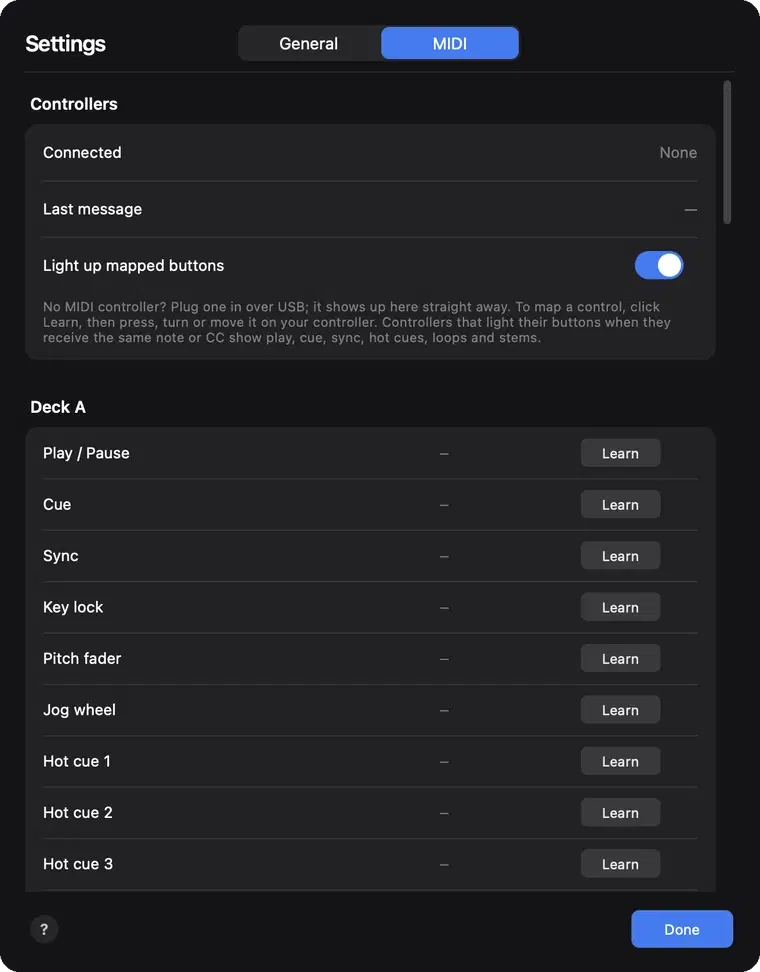
MIDI controllers
Map any MIDI DJ controller to Stemdeck's decks, mixer, effects and library with MIDI learn, light its buttons, and save the mapping to a file.
Missing something, or have an idea? Request a feature or an improvement.