
 Stemdeck
Split any track into six stems on your computer
Stemdeck separates each track into six stems (vocals, drums, bass, guitar, piano and other) or four (vocals, drums, bass and other). It uses Demucs v4 (Hybrid Transformer Demucs). On the Mac App Store version it runs on your Mac's GPU and Neural Engine; the Windows, Linux and downloadable Mac versions run the same model with ONNX Runtime. Nothing is uploaded and it works offline.
Once a track is split, its stems are used everywhere: in transitions, in per track levels and on the deck pads.
Split stems
- In the library, click Split in the Stems column, or select tracks and click Split stems.
- Tracks are split one at a time. The Stems column shows progress and the dots appear when a track is ready.
- Loading a track that isn't split onto a deck starts splitting it (on the Mac App Store version, tap a stem pad). The deck plays the track as usual and switches to its stems by itself when they're ready.
- How long it takes depends on your computer and the number of stems: about a minute for a five minute track on a recent Mac with four stems, and longer with six or on an older computer. Stemdeck splits in the background, so you can keep working.
- Adding a track to a mix starts splitting it straight away, so its stem lanes are ready by the time you edit the mix.
Six stems: guitar and piano
Six stems adds guitar and piano to vocals, drums, bass and other, using the six source version of Demucs v4. It takes about one and a half times as long as four. The Windows, Linux and downloadable Mac versions split into six stems by default. On the Mac App Store version, Stemdeck 1.1 adds the choice in Settings, Stems, with four as the default.
- Choose 4 or 6 in Settings, Stems: new splits use it, including tracks split when you add them to a mix or tap a deck pad. Tracks you've already split keep their stems: right-click one and choose Split Again with 6 Stems (or 4) to change it.
- While a track splits, its Stems column and its deck say how many stems it's making, for example Splitting into 6, 21%.
- Six stem tracks get six pads on the decks, six lanes and faders in the Mix editor, and six files when you export stems.
- Transition presets treat guitar and piano like the other stem, and you can give them their own curves.
- Guitar and piano separation is less clean than vocals, drums and bass, especially for piano. Choose four stems for faster splits or when a track has no guitar or piano.
Use the stems
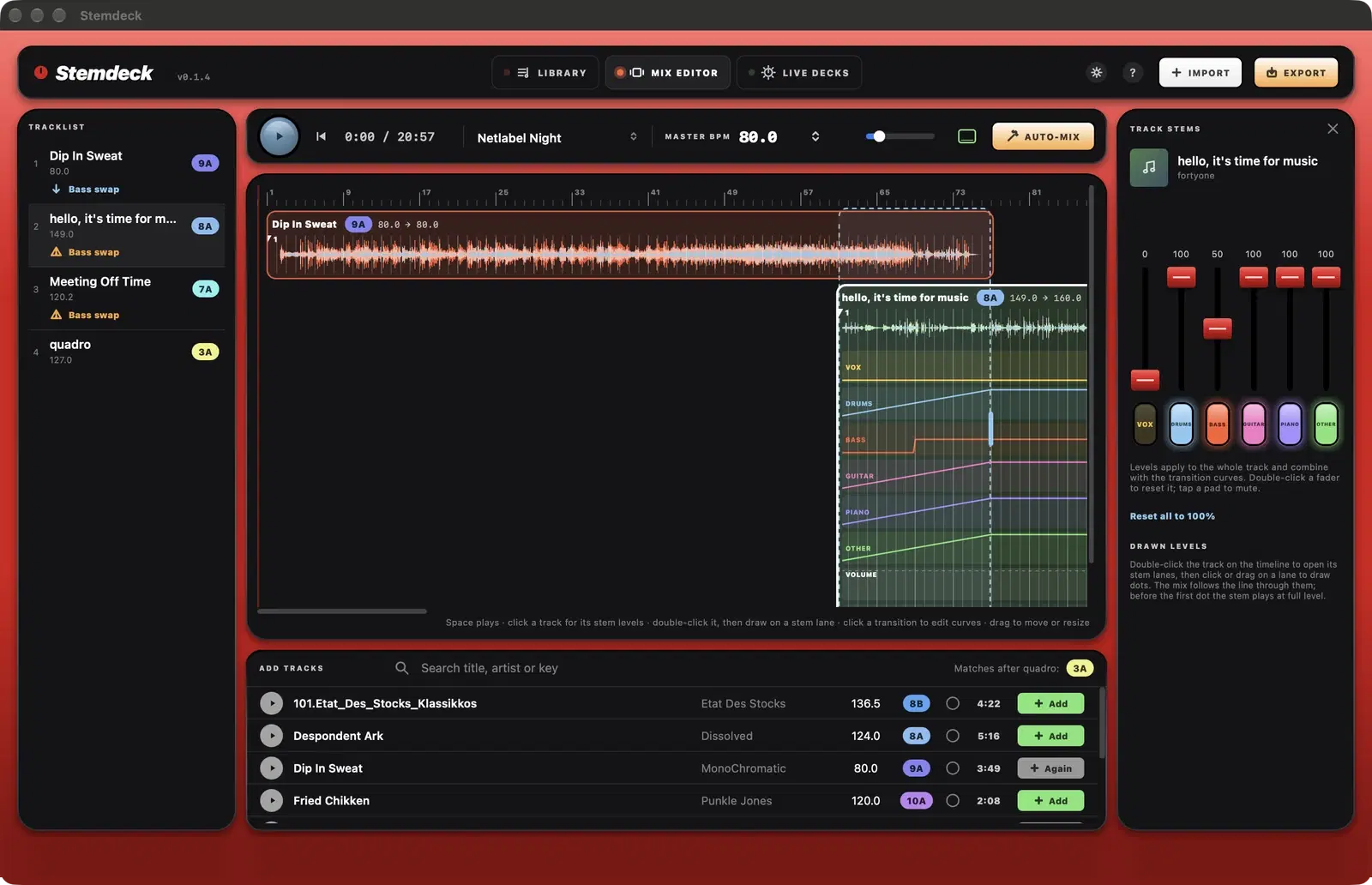
- Transitions in the Mix editor fade each stem on its own curve, for example swapping the basslines halfway through.
- Click a track in the Mix editor to set the level of each of its stems (vocals, drums, bass and other, plus guitar and piano on six stem tracks) for the whole track.
- On the live decks, tap a stem pad to mute that stem and tap again to bring it back.
- Export can also write each track's stems next to your mix.
Storage
Stems are stored inside Stemdeck, so each track is only split once. Settings shows how much space they use and has a button to clear them. Cleared stems can be split again at any time.
Questions
Can I make an acapella or an instrumental?
Yes. Split the track, add it to a mix and set the stem levels you want in the Track stems panel, then export. Turning on Also export each track's stems saves each stem as a separate file too.
Does stem separation need the internet?
No. The models are included with the app and run entirely on your computer.
Try it in Stemdeck
Free downloads for Mac, Windows and Linux, with the stem models included. Coming soon to the Mac App Store for Macs with Apple silicon.