
 Stemdeck
Find free music to mix
Find music, in the library's sidebar, searches openly licensed music on the Internet Archive and Jamendo, sound effects from the BBC, and 30-second previews from Apple Music and Deezer. Every downloadable result shows its licence, and importing a track records the licence and where it came from.
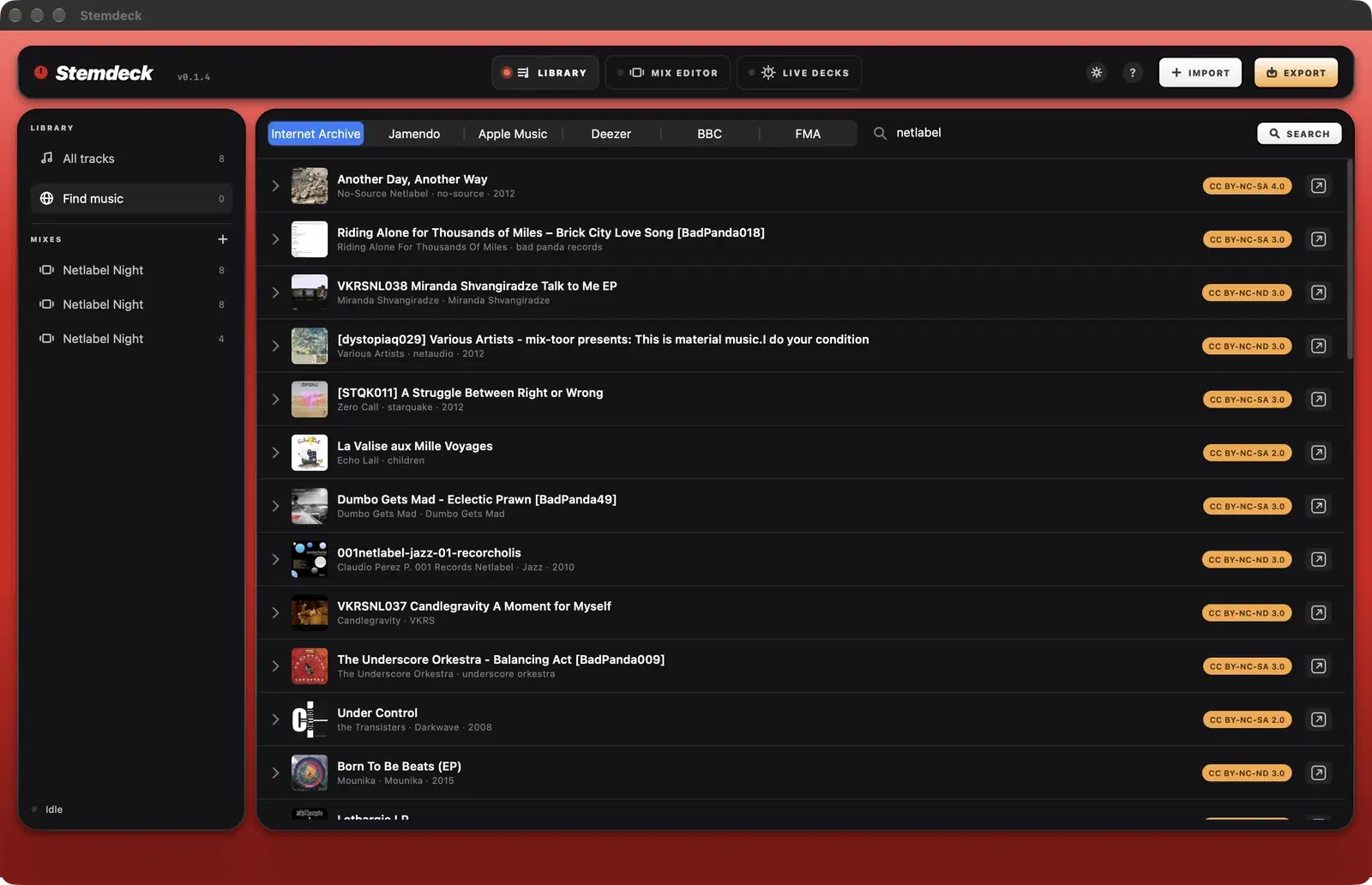
Internet Archive
- Type a style, artist or label and press Return. Results come from the Archive's netlabel, music and Live Music Archive collections, and only include Creative Commons or public domain releases.
- Click a release to list its tracks. Stemdeck picks the best version of each track, preferring lossless files.
- Click play to preview a track, which streams it, and Import to add it to your library.
Jamendo
Jamendo search needs a free client ID. Create an app at devportal.jamendo.com and paste its client ID in Find music or in Settings. Tracks whose artists don't allow downloads show No download.
BBC Sound Effects
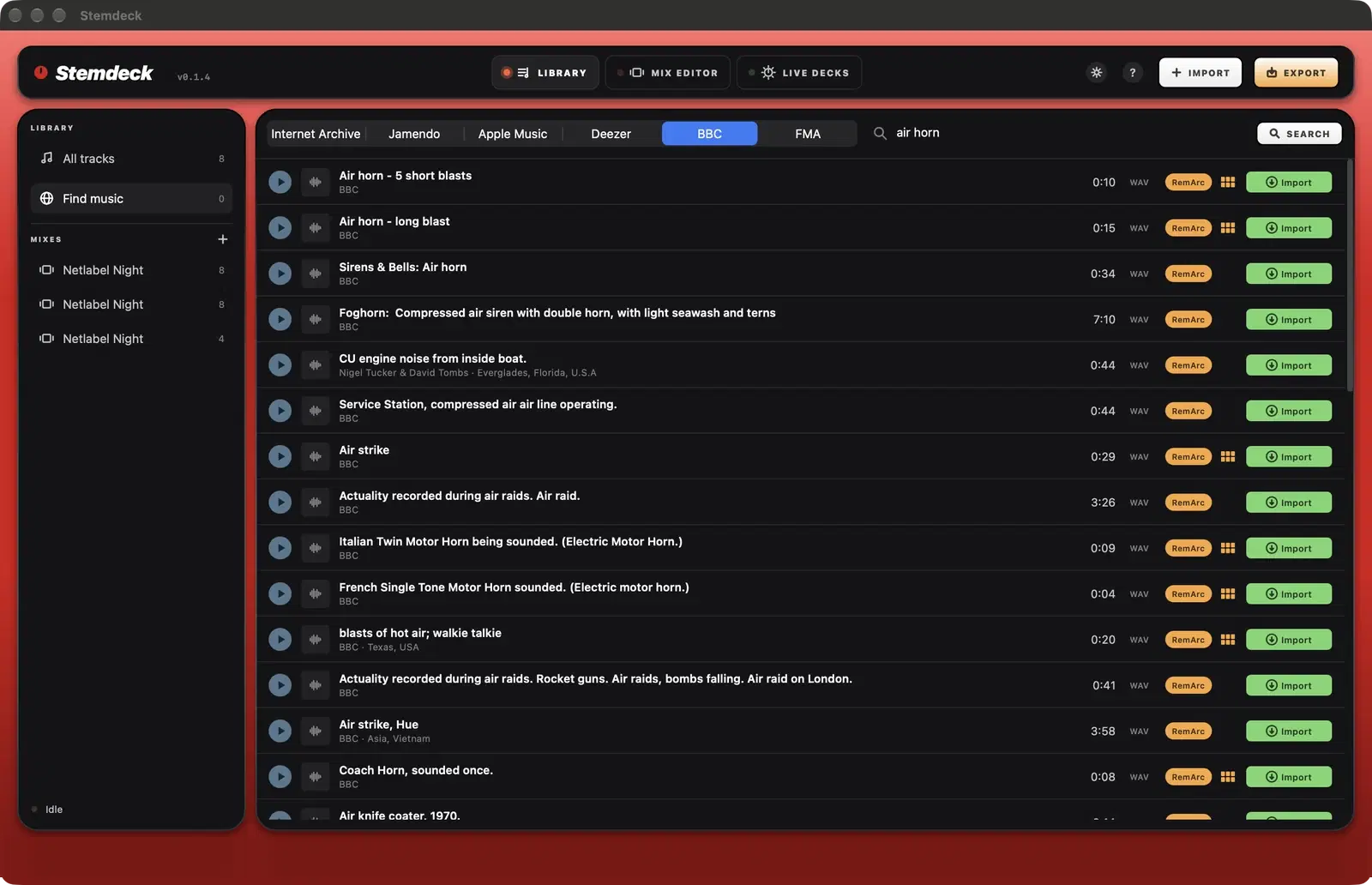
The BBC tab (on the Mac App Store version, from 1.1) searches more than 30,000 recordings from the BBC Sound Effects archive: horns, sirens, crowds, weather, machines, nature and more. The first time you open it, read the summary of the BBC's RemArc licence and click I agree. RemArc allows personal, educational and research use only, so don't use these sounds in mixes you sell, monetise or publish with ads or sponsorship.
- Type what you're after and press Return. Each result shows its description, length and an orange RemArc tag that links to the full licence.
- Click play to preview a sound and Import to add it to your library as a WAV file.
- Sounds of 30 seconds or less have a pad button: pick a sound pad and the sound replaces that pad's sound (Stemdeck Pro).
Apple Music
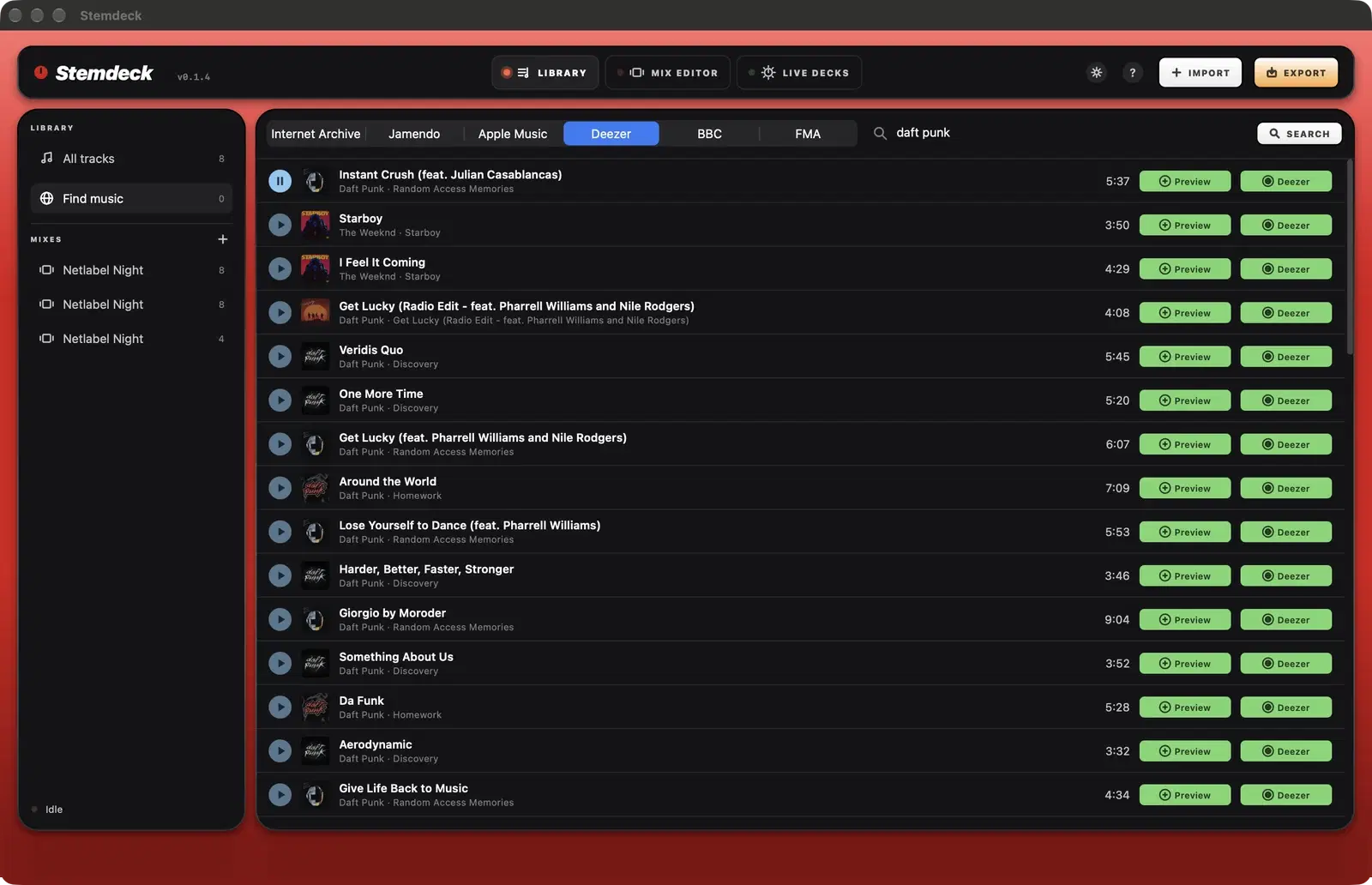
The Apple Music tab (on the Mac App Store version, from 1.1) searches Apple's catalogue. Click play for a 30-second preview, Preview to add that preview to your library (as "title (preview)") to try the song in a mix, and Buy to open the song in the iTunes Store. Songs bought there are DRM-free files: import them with Import or drag them into Stemdeck. Songs streamed with an Apple Music subscription are protected, so Stemdeck can't load or split them.
Deezer
In the version for Windows, Linux and the downloadable Mac version, the Deezer tab searches Deezer's catalogue. No Deezer account is needed. Click play for a 30-second preview, Preview to add that preview to your library (as "title (preview)") to try the song in a mix, and Deezer to open the song on deezer.com. Songs streamed from Deezer are protected, so to mix the full song, buy it as a DRM-free download and import it.
Free Music Archive
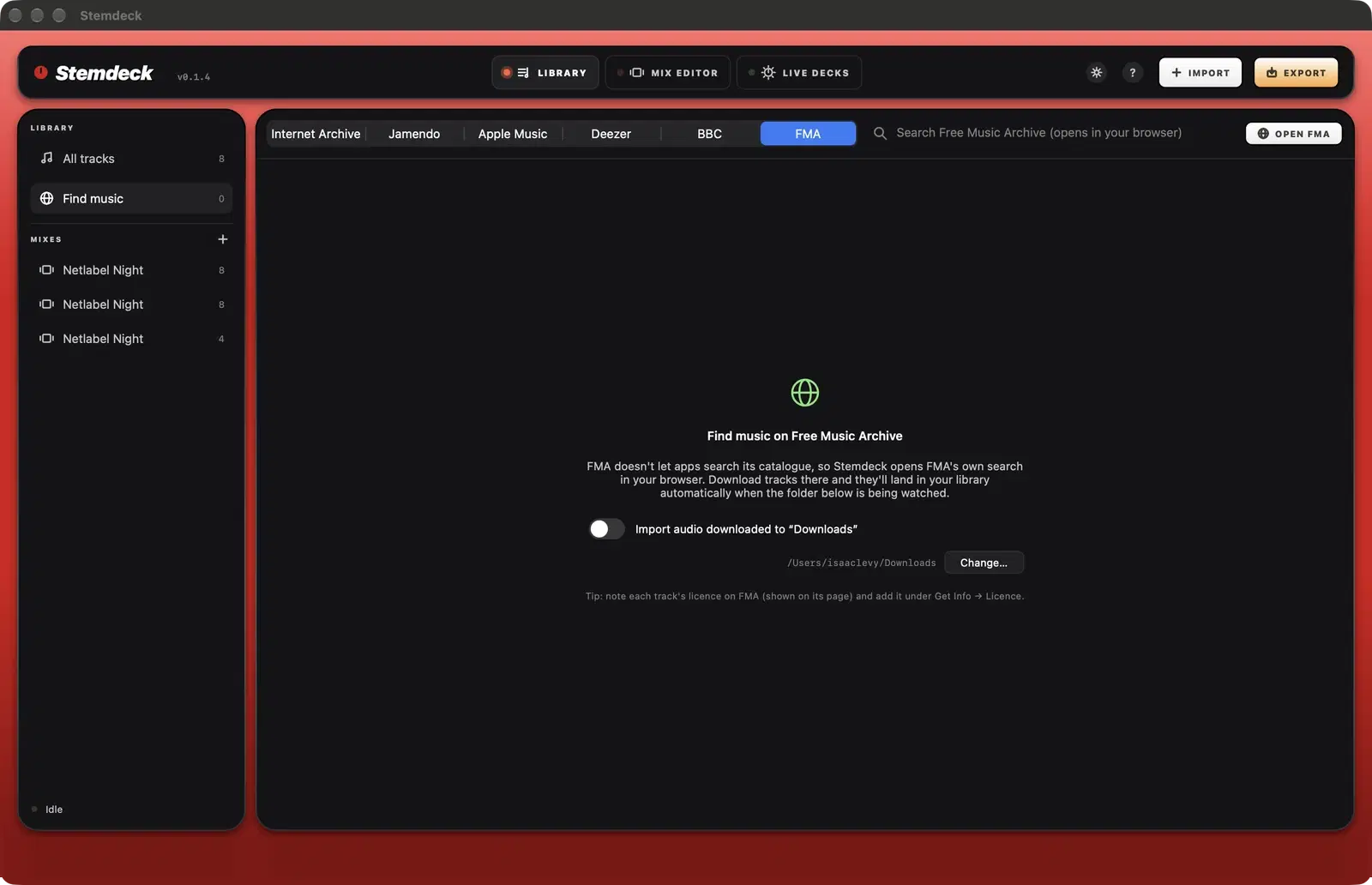
Free Music Archive doesn't let apps search its catalogue, so the FMA tab opens FMA's own search in your browser. Turn on the watched folder and anything you download there is imported when the download finishes.
Licences
- Green licence chips (such as CC BY or CC0) allow use with attribution.
- Orange chips are NC (non commercial: personal mixes only, no selling or monetising) or ND (no derivatives: check before publishing a mix that uses the track).
- Click a chip to read the licence. The licence is saved in each imported track's info.
Questions
Where are imported tracks saved?
In your Music folder, under Stemdeck, Downloads, in a folder for each source.
Can Stemdeck download from YouTube or Spotify?
No. Stemdeck only imports music from your own files and from catalogues whose licences allow downloading.
Try it in Stemdeck
Free downloads for Mac, Windows and Linux, with the stem models included. Coming soon to the Mac App Store for Macs with Apple silicon.