
 StemDeckDJ
Play your stems on CDJs, with rekordbox beat grids and cues
From StemDeckDJ 0.1.9 on Mac and 0.1.11 on Windows and Linux, StemDeckDJ can put the stems it splits onto a USB stick for CDJs and XDJs. Play the vocals on one deck and the beat of another track on the next, on club gear that doesn't split stems itself.
Each stem is its own file, named so it's easy to find in the player's folder browser, and an optional rekordbox XML gives every stem the original track's beat grid and hot cues.
Export stems for CDJ
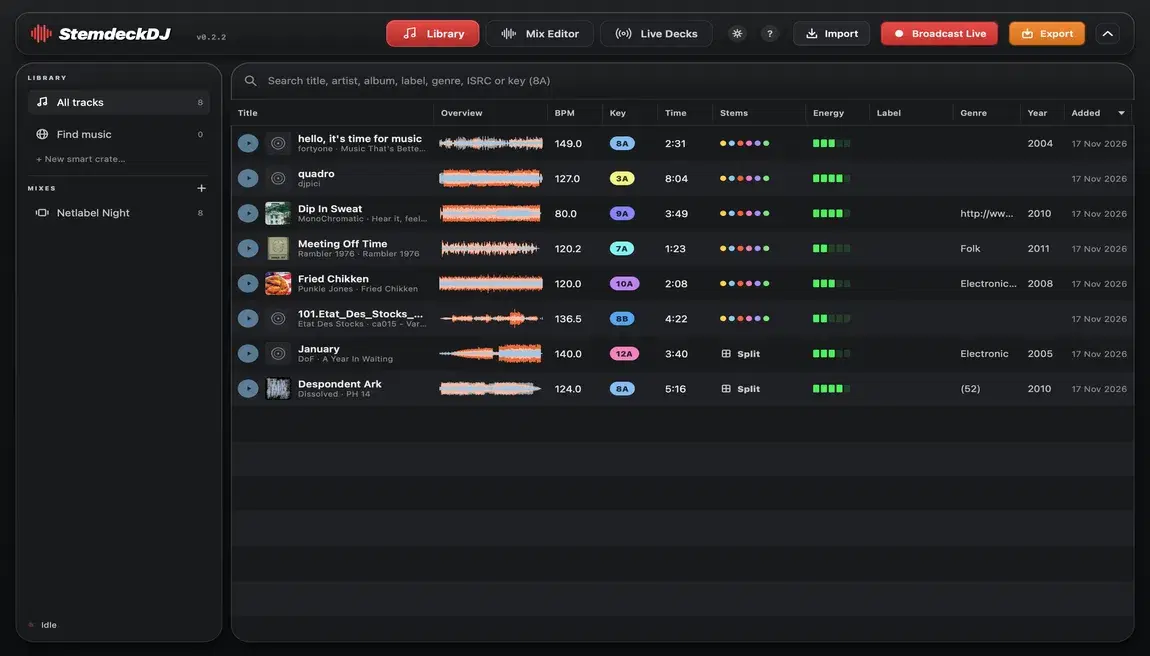
- In the library, select one or more tracks, right-click and choose Export stems for CDJ. In the mix editor, right-click a track on the timeline for the same thing.
- In the mix editor, Export stems for CDJ with these edits first bounces the track with its stem levels, automation and cuts (see Bounce to library), then exports that.
- The window shows how many tracks and stems it will write.
- Save to: StemDeckDJ lists the USB sticks and SD cards that are plugged in, with their free space. Choose a folder writes anywhere else, and it's the only choice when no drive is plugged in.
- Choose the format: WAV 24-bit for the CDJ-3000, CDJ-2000NXS2 and XDJ-XZ, WAV 16-bit for older CDJs and XDJs, or AIFF 24-bit.
- Also the full track adds the whole track next to its stems. The rekordbox XML option is on by default.
- Tracks that aren't split yet start splitting. Export them when their stems are ready.
What's on the USB
StemDeckDJ makes a Stemdeck Stems folder with one folder per track, named Artist - Title. Inside are the stems, Artist - Title [Vocals], [Drums], [Bass] and [Other], plus [Guitar] and [Piano] for tracks split into six stems, and [Full] for the whole track. Stemdeck stems.xml sits next to the track folders.
Play them on CDJs
Plug the USB into the player, browse its folders and load a stem on each deck. For example, the vocals of one track on deck 1 and the drums and bass of another on deck 2.
Beat grids and hot cues with rekordbox
- In rekordbox, import Stemdeck stems.xml (File, Import, rekordbox xml, or show it under Preferences, Advanced, rekordbox xml).
- Each track comes in as a playlist, StemDeckDJ stems / Artist - Title, holding its stems.
- Export those playlists to the USB as usual. Every stem keeps the original track's beat grid and hot cues, so Beat Sync locks the stems together across decks.
Questions
Which players can play the stems?
Any CDJ or XDJ that plays WAV or AIFF from USB. Choose WAV 24-bit for the CDJ-3000, CDJ-2000NXS2 and XDJ-XZ, and WAV 16-bit for older players.
Do I need rekordbox?
No. The files play from the USB's folders on their own. rekordbox adds the beat grids and hot cues, so Beat Sync and cue points work on the stems.
Can I share the exported stems?
Only as far as each track's licence allows. Stems of a track carry the same rights as the track itself.
Try it in StemDeckDJ
Free downloads for Mac, Windows and Linux, with the stem models included. Coming soon to the Mac App Store for Macs with Apple silicon.