
 StemDeckDJ
 Pads: a free 16-pad sampler for iPhone, iPad and iPhone Duo
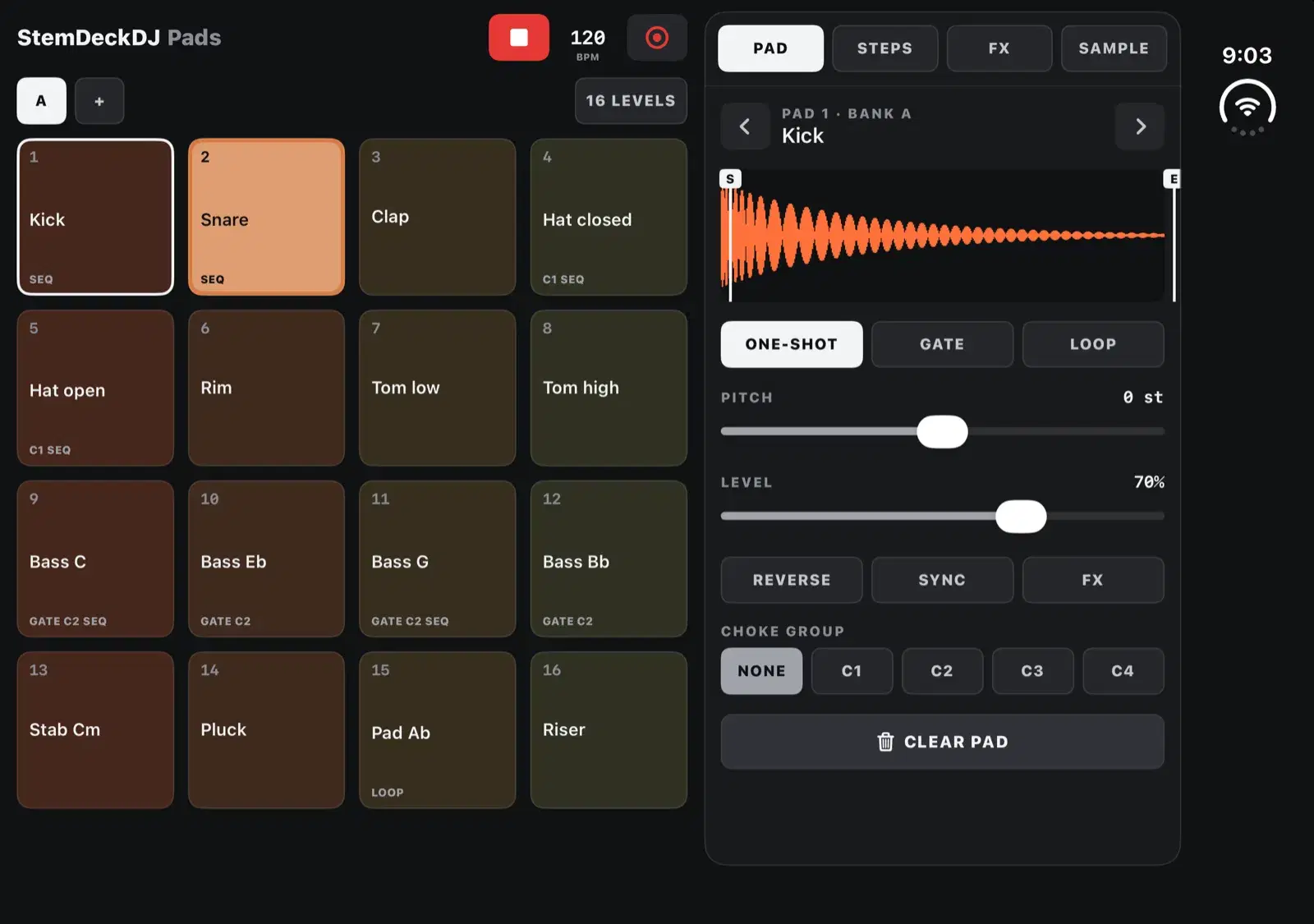
StemDeckDJ Pads puts a 16-pad sampler on your iPhone or iPad: banks of pads, a step pattern, effects and recording. It's the Pads screen of the StemDeckDJ desktop app, rebuilt for touch and for both screens of iPhone Duo.
Play the pads
- Tap a pad to play it; play several at once with more fingers. Banks A, B and more each hold 16 pads (the + adds one).
- 16 LEVELS plays the selected sound across the 16 pads at different pitches, so you can play it as a melody.
Shape each pad
- PAD shows the selected pad's waveform: drag S and E to set where it starts and ends.
- ONE-SHOT plays the whole sound, GATE plays while you hold, LOOP repeats while you hold.
- Pitch in semitones, level, reverse, sync to the tempo, a send to the effects, and choke groups so a closed hi-hat cuts an open one.
- SAMPLE brings in a sound from Files or your music library and chops it onto the pads, by beats or at its hits.
Patterns, effects and recording
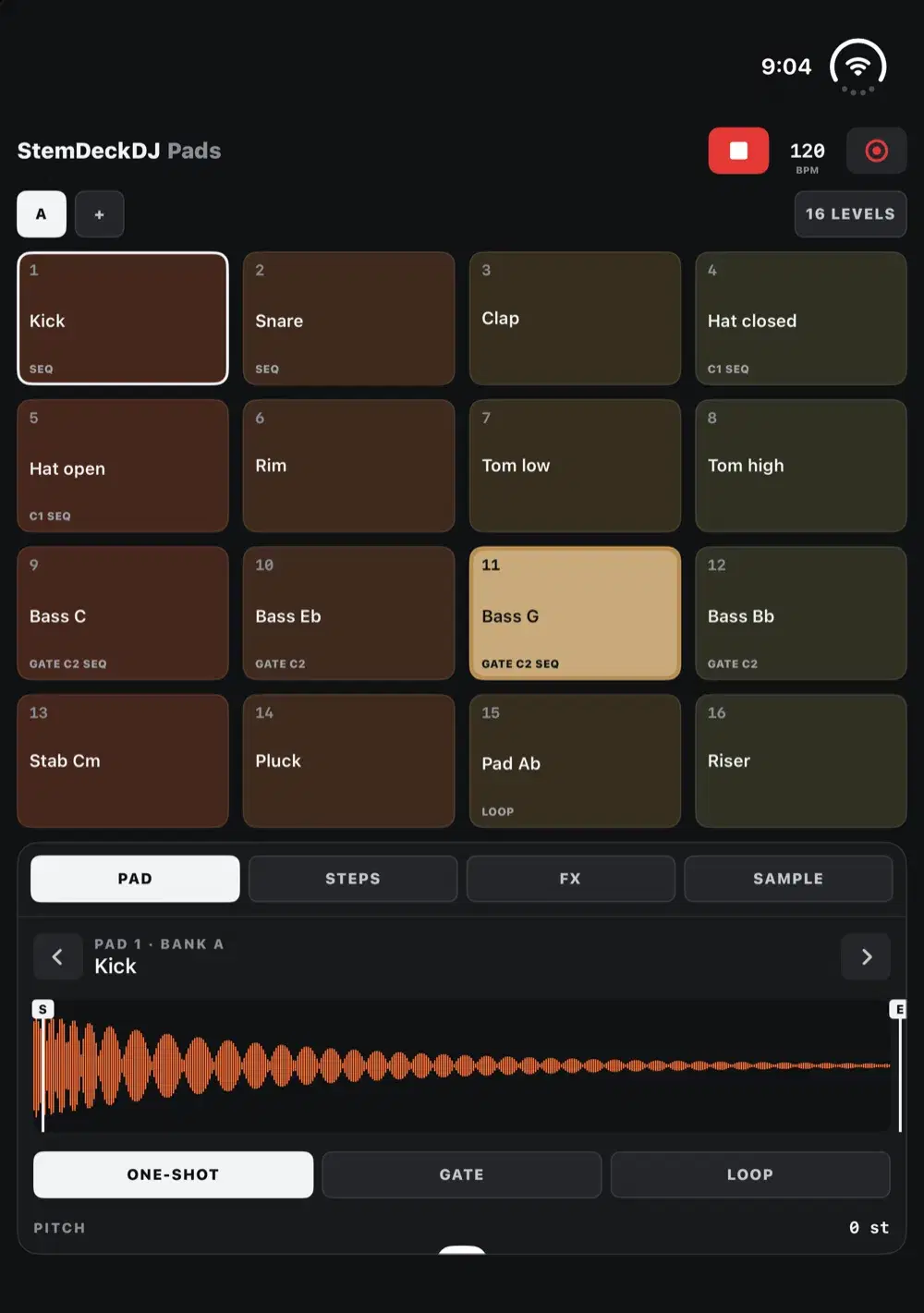
- STEPS programs a pattern for the bank, with a tempo and swing. Play starts it; the pads light as their steps play.
- FX has a filter, an echo, a reverb and a crusher: turn on any of them together, each with its own level, for the pads that send to it. In automation each effect has its own lane.
- Each pad can have its own effects too (Pad tab, Pad effects): the same four, just for that pad. Hold Solo and tap pads to hear only those pads until you let go.
- The record button captures what you play to a file you can share.
Questions
Is StemDeckDJ Pads free?
Yes, with no in-app purchases.
Is it the same as Pads in the desktop app?
It follows the desktop app's Pads screen, rebuilt for iPhone and iPad. The desktop version can also chop tracks and stems from your DJ library.
Try it in StemDeckDJ
Free downloads for Mac, Windows and Linux, with the stem models included. Coming soon to the Mac App Store for Macs with Apple silicon.